Jira picks label colours at random. Tintboard lets your team choose them, along with status, column and card colours, so a board says "blocked" before anyone reads it.
Free for up to 10 users · Chrome, Edge and Firefox · Runs on Atlassian: nothing leaves your site
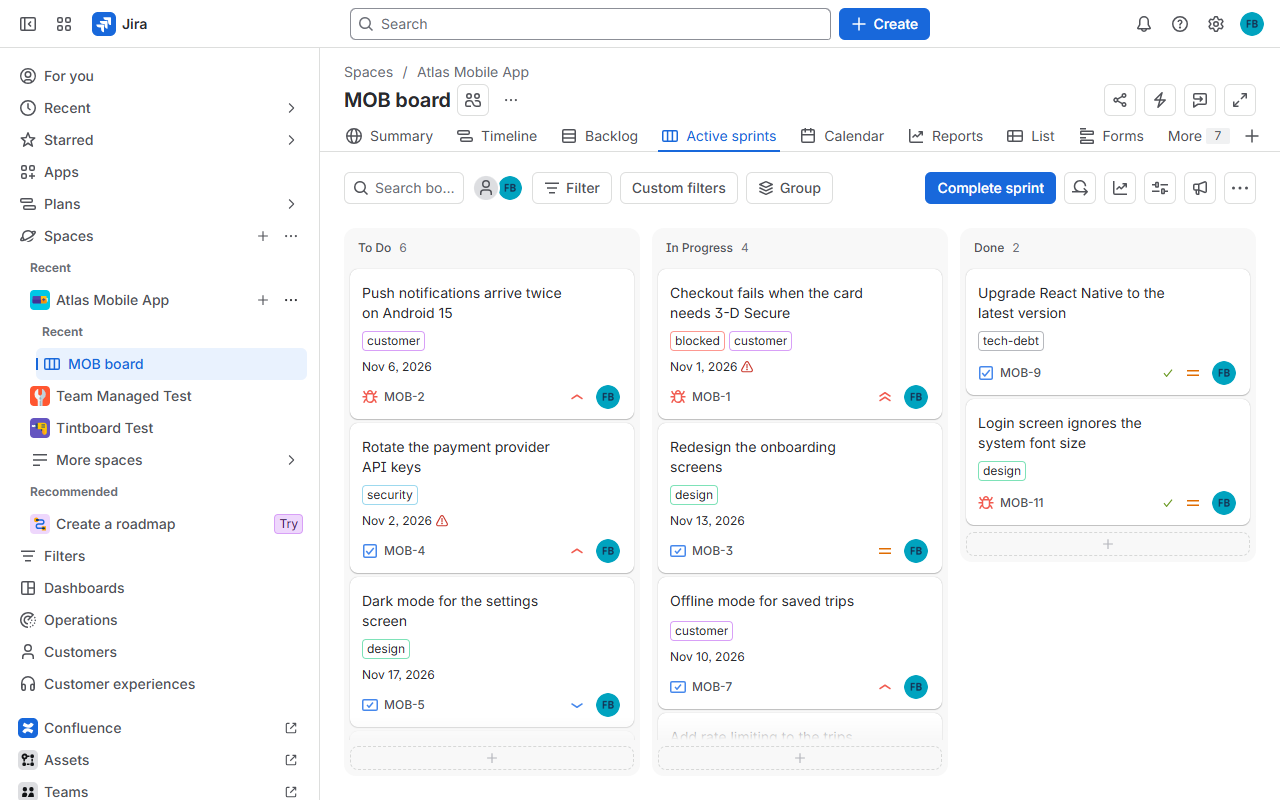
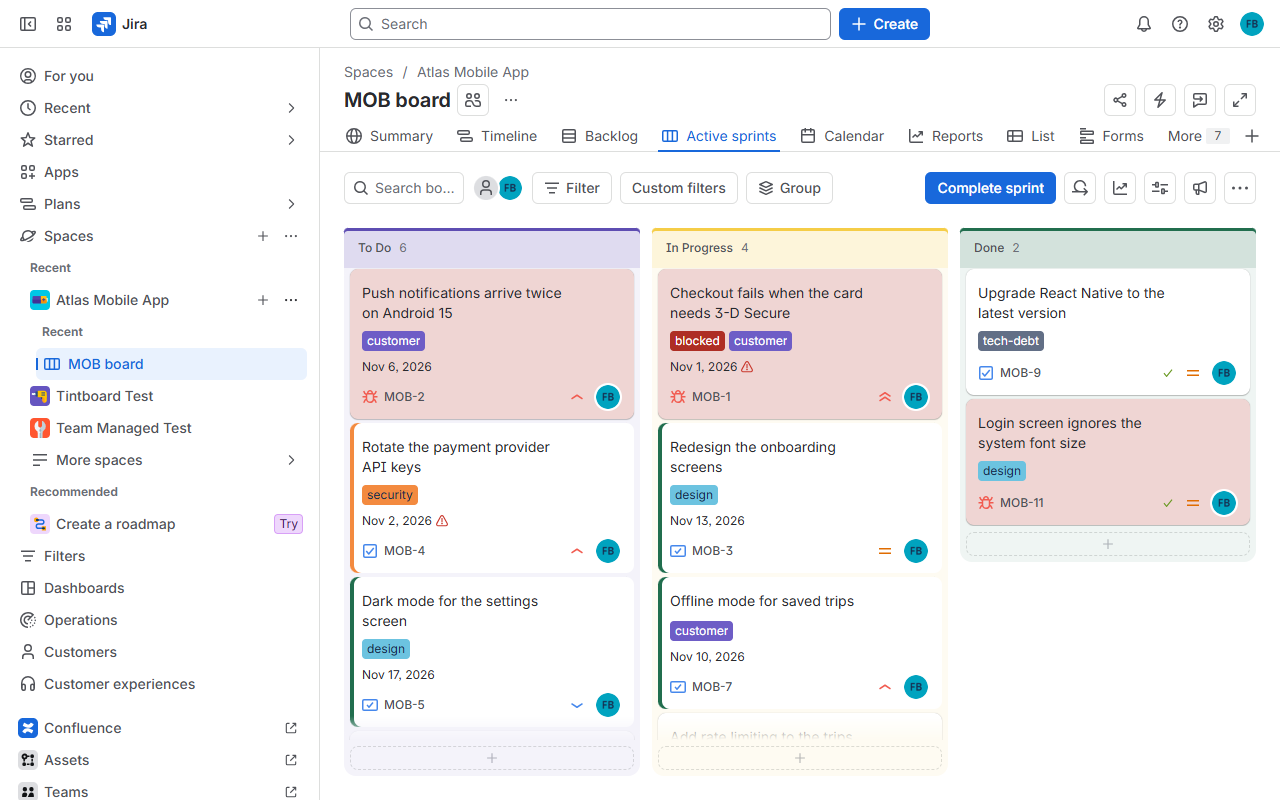
Pick each label's colour. Readable text, automatically.
A colour per status, and column titles that match.
Tint or stripe cards by label, epic, component, person or date, on team-managed boards too.
Bigger text, calmer spacing and width, per space or per reader.
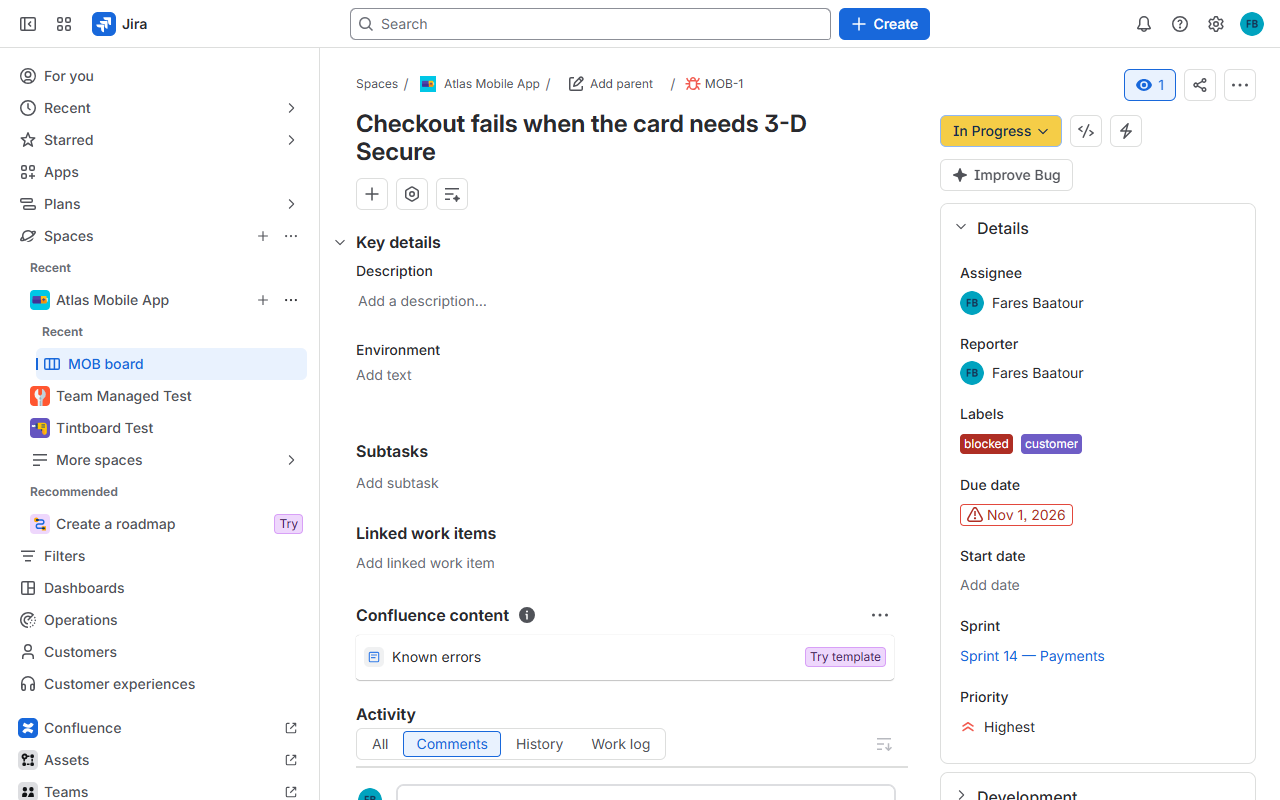
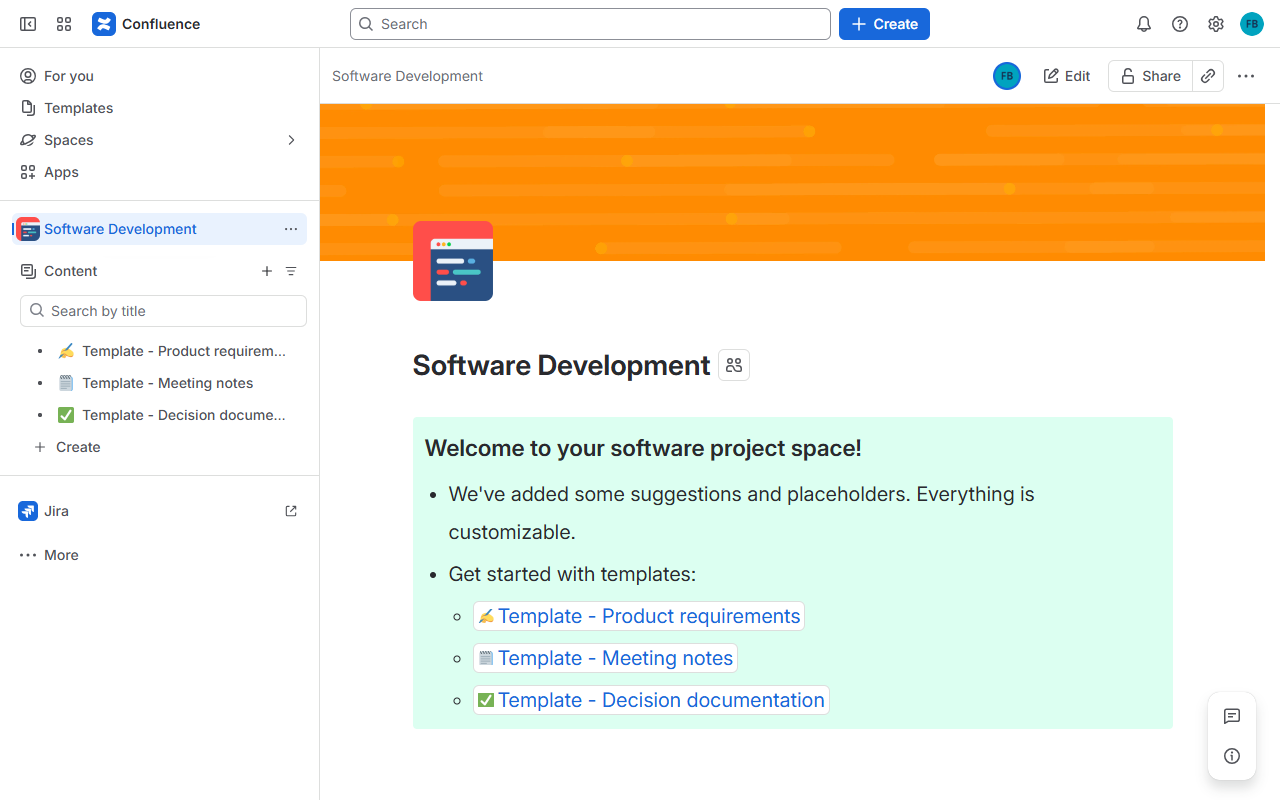
Runs on Atlassian. There is no Tintboard server. Rules live in your own Jira and Confluence, signed so nobody can fake them.
A small browser extension applies the colours, because Atlassian apps can't restyle Jira's own pages. One policy installs it for everyone: Google Workspace, Intune, Group Policy, macOS or Firefox.
Never breaks a page. If Atlassian changes a screen, that colour switches off. We fix it within 2 business days.
Then a small per-user price, billed through the Atlassian Marketplace, with a 30-day trial.
Before the public launch, 20–30 teams, in exchange for honest feedback.
Atlassian apps run in a sandbox and can't restyle Jira's or Confluence's own pages. The extension applies the colours your admin chose, in each person's browser. Without it, people still see the colour legend in each Jira issue.
No. There is no Tintboard server. Rules are stored in your own site, signed so nobody can fake them, and the extension talks only to your atlassian.net site with your own session.
Yes, including card colours, which Jira itself doesn't offer there.
Labels and statuses are coloured within about 15 ms of Jira showing them. Card rules need one Jira search per 100 cards on screen.
That colour switches itself off instead of breaking the page, and we fix it within 2 business days.
No. Browser extensions don't run in Atlassian's mobile apps.
The colours switch off for everyone. Your rules are kept and come back as soon as the licence is renewed.
 tintboard